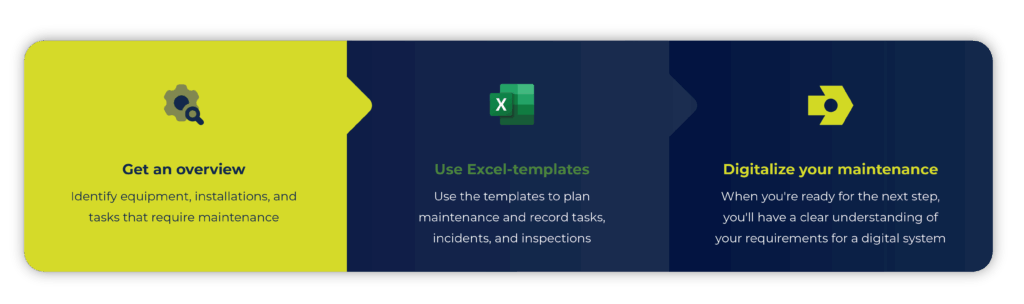
Have you lost track of your maintenance? Then a maintenance plan is a good place to start. Whether you work with machinery, equipment, plant or facilities, a structured maintenance plan is the way to more efficient operations and fewer unexpected stops.
To help you get started structuring your maintenance, we’ve created free Excel templates for maintenance plans and checklists that you can start using right away.
Use a template for your maintenance plan
A maintenance plan template helps you structure, document and manage all aspects of maintenance. It serves as a tool to keep track of tasks, deadlines and resources. It’s important that the plan is flexible and can adapt to changes in operations and equipment.
What should your operations and maintenance plan template include?
- List of what requires maintenance
Register any machinery, plant, equipment or fixtures that require maintenance. - Maintenance procedures
Create detailed descriptions of how each maintenance task should be performed. - Schedule and intervals
Determine when each maintenance task should be performed, for example daily, weekly, monthly or after operating hours. - Resource planning
Assign who will perform the task, what materials and spare parts are needed. - Documentation and reporting
Store history of maintenance performed, observations and measurements.
Setting up your operations and maintenance plan in a maintenance system like INEXTIA allows you to gather all your maintenance routines – and get a full overview, automatic reminders and easy access to documentation in one system. Hear how Sindal Biogas has digitized their maintenance routines
Start with a free maintenance plan in Excel
If you want to start structuring your maintenance and are not yet ready to take the step towards a digital maintenance system, it can seem overwhelming to set it all up from scratch. That’s why we’ve created a free Excel template with a simple maintenance plan.
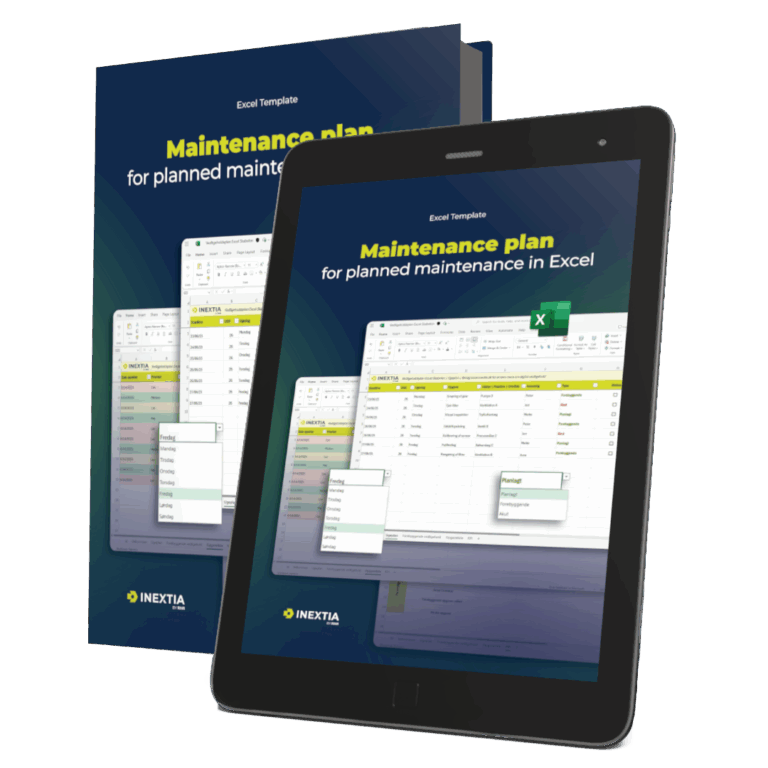
Our free maintenance plan template in Excel gives you and your team a clear weekly schedule, an overview of preventive tasks, space for error registration and task suggestions, and the ability to track KPIs for the entire team.
The template
Maintenance plan Excel template
Get an overview with a maintenance plan template in Excel. Plan tasks, keep track of intervals and create structure in your maintenance.
Download
Digitize your maintenance plan
While Excel is a great place to start and many still use it successfully, over time it can become challenging to keep track of everything – especially as maintenance grows or more colleagues need to work together on tasks.
When you get there, you may want to take the next step with a digital maintenance system like INEXTIA. Here you get all the benefits of planning, recording and follow-up in one place:
- Multiple users can work simultaneously in the same system
- Fault reports can be created and tracked directly from both desktop and mobile
- Quickly pull the reports you need based on data already in the system
- All documentation, history and planning is gathered in one place and updated automatically
See how easily you can create a report in INEXTIA and set up dashboards customized to your needs – whether you want to monitor performance, user trends or something else entirely:
Support your maintenance plan with checklists
Checklists are a simple and effective way to strengthen your maintenance plan. They help you and your team ensure that regular tasks are carried out systematically. They also make it easy to keep track of routines, pass on tasks and document that tasks have been completed.
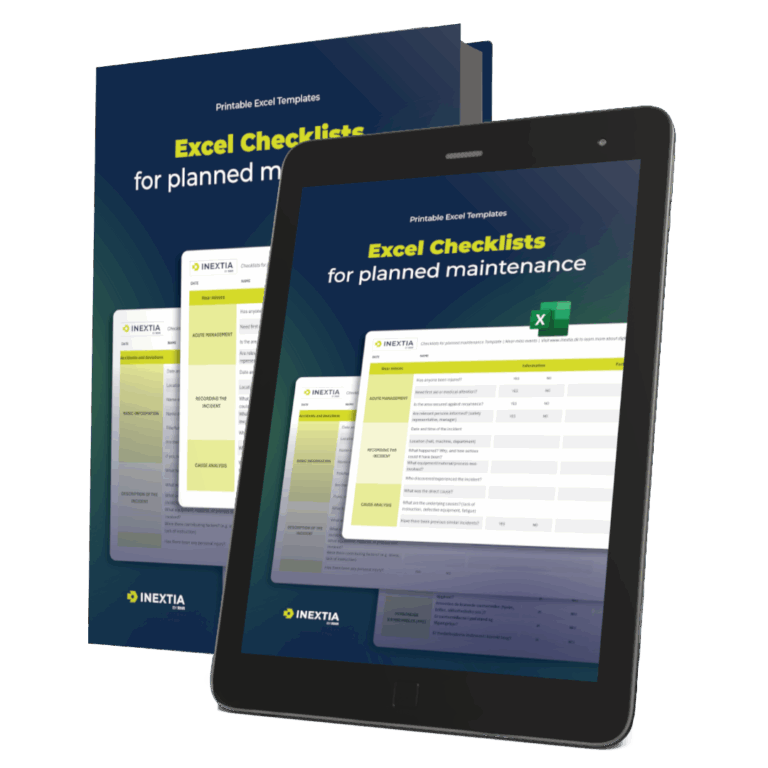
That’s why we’ve also developed a free Excel template to help you and your team get started with checklists. Here you’ll find examples of checklists and templates covering typical tasks and incidents in a maintenance department:
- Near misses
Registration of incidents that almost led to accidents. - Accidents and deviations
Reporting accidents or deviations from procedures. - Safety checks
Conducting regular safety checks in work areas. - Work permits
Handling the issuance and control of work permits. - Monthly inspection
Planning and documentation of monthly equipment and environmental checks. - Template
Simple template for yes/no answers to different checkpoints. - Checklist
Possibility to create your own checklists with checkboxes.
The template
Excel Checklists for Planned Maintenance Template
Printable excel template to manage your maintenance with checklists. Take the first step with preventive maintenance
Download
Digital checklists for maintenance
Digital checklists can make it easier to perform and document maintenance tasks, especially when tasks become numerous and more people need to keep up.
Maybe you already use Excel for your checklists and it works fine on a daily basis. But when you want to make your work even easier and more consistent, digital checklists can be an obvious next step.
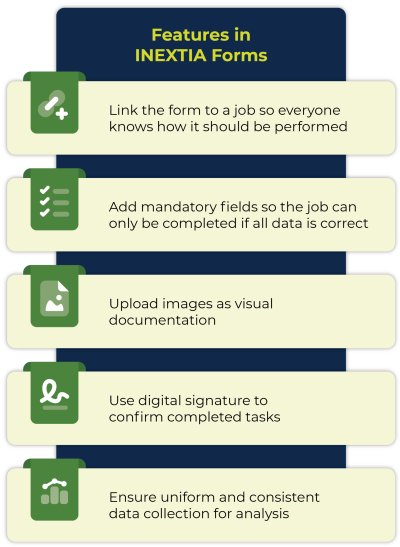
In INEXTIA’s Forms module, you can design checklists to suit your company’s needs. For example, you can
- Add mandatory fields so tasks can only be completed when filled out correctly
- Ensure consistent data collection across the team
- Record observations and data directly on rounds from mobile with the INEXTIA App
- Avoid duplicating paper or spreadsheets that need to be transferred manually
Get inspiration for digital checklists in our Forms catalog >
Benefits of planned maintenance
- Calendar frequency
For when maintenance needs to be performed regularly, for example every week or month. - Counter frequency
For when maintenance needs to be based on operating hours, production figures or operations. - A combination of both
If both time and usage are relevant factors.
It gives you a flexible planning tool no matter how your maintenance is structured.
When should you switch your maintenance plan in Excel to a CMMS?
- Lack of overview, especially when plans change or you need to find older data in the history
- Limited follow-up because you can’t see where improvements are needed
- Time wasted on updates because all updates have to be done manually and repeated in multiple places
- Limited reporting because it’s difficult to analyze and compare data in real-time
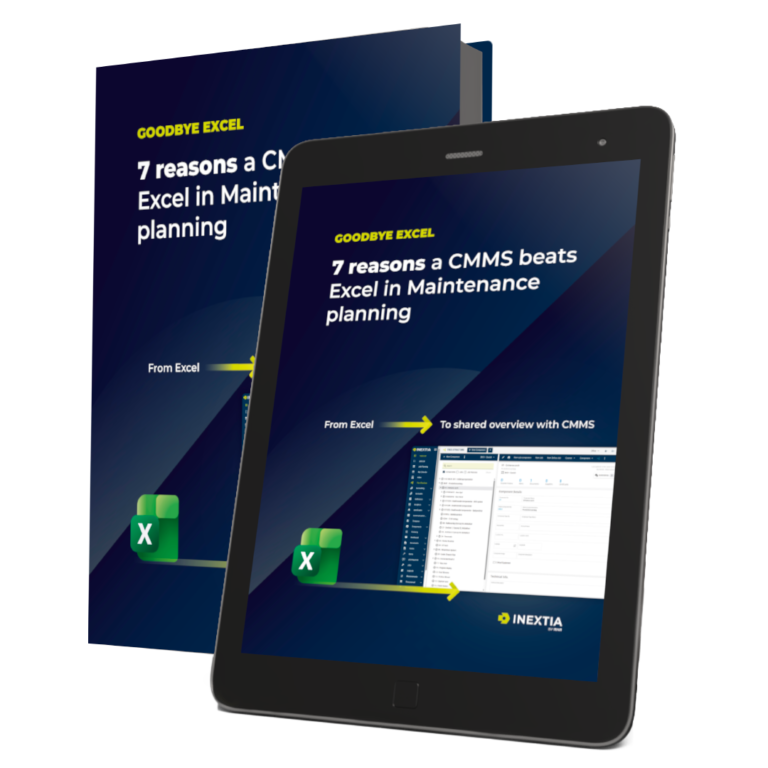
A CMMS gathers your maintenance data in one place and automates many of the manual steps you currently handle in Excel. If you’re still unsure whether to choose Excel or a digital maintenance system, read our guide to switching maintenance systems:
Article
Goodbye Excel
7 reasons to choose a more efficient maintenance system than excel, with data transfer tips.
Download