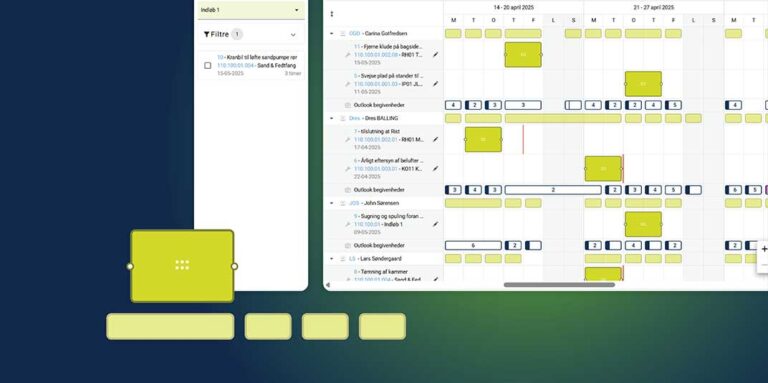
We are constantly developing INEXTIA and have added three new features that make it easier for you to work efficiently with maintenance.
1. edit multiple jobs simultaneously with batch edit
You can now reduce repetitive tasks and ensure consistency in your maintenance data with our new batch edit feature:
- Update job groups or resources for multiple jobs at once
- Add, replace or remove information in large volumes
- Clear values for resources and job groups when necessary
2. Access the Logbook on your mobile
Via web access, you can register operating information, observations and error messages directly from your smartphone or tablet in the Logbook. All you need to do is:
- Insert date, item and component number.
- Fill in a description of the incident
- Attach images or other documentation
3. Create custom fields on master data
The Master Data module has received an upgrade. In addition to being able to store values on components, you can now create your own fields for:
- Jobs
- Merchandise
- Purchase orders
- Documents
With Excel import, you can easily update master data on components, jobs, items and documents. When new fields are added, you can also set up field dependencies so that fields are displayed based on the content of other fields.
See more about all INEXTIA modules